
1. Choose what to share
Pick individual photos, or allow access to your photo library. You control that permission in iOS Settings.
2. Find your footprints
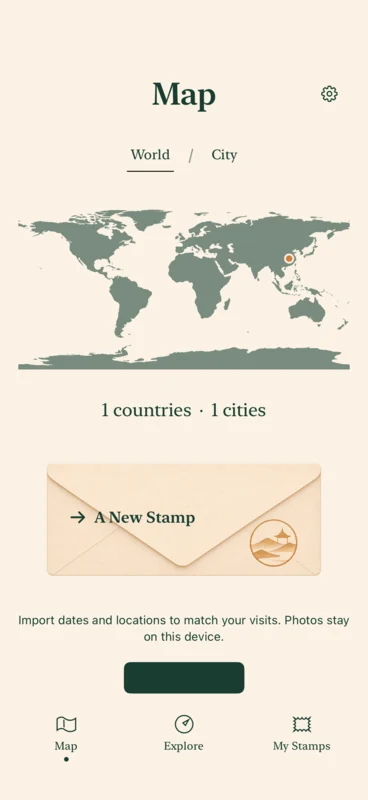
Photos with usable coordinates can light up your local map. A photo without location information cannot reliably identify a place.
3. Keep the memory
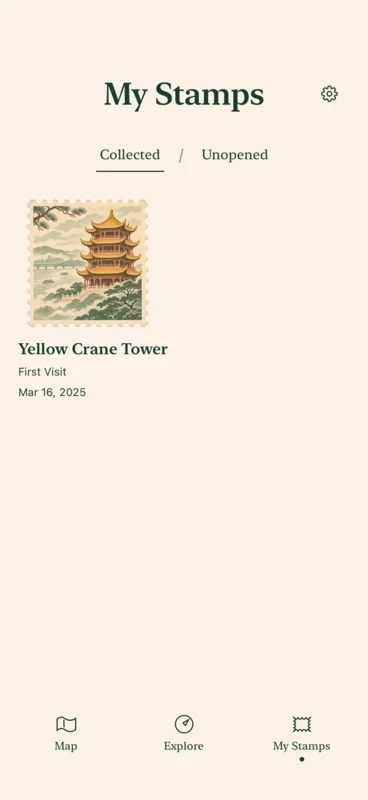
At supported stamp places, eligible visits can add a memory stamp or a letter to reveal. Your collection keeps the visit date and collection date separate.
Development preview. Illustrations and test data.
A world of footprints. A growing stamp collection.
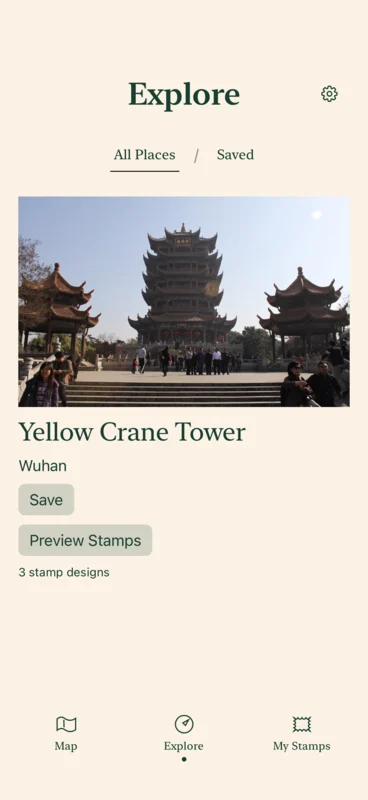
Photo footprints work with usable GPS locations around the world. Stamp matching currently starts with a small pilot at Yellow Crane Tower in Wuhan. Not every footprint earns a stamp.
Permission and scanning
Roami scans accessible photos when opened, when returning to the foreground and when the photo library changes. iOS limits background time; a suspended or force-quit app cannot promise continuous scanning.
One place, two dates
A visit date comes from the photo record; the collection date records when a stamp was awarded. Historical photos can provide one default memory stamp per recognized place. Other designs require an eligible new visit. Photos from the same place and local calendar day are grouped, and repeated imports do not grant duplicate awards.
Privacy Policy
Original photos stay on your device. With permission, Roami reads their location and date. Only the evidence needed to record a supported visit is sent to the service.
Understand your data